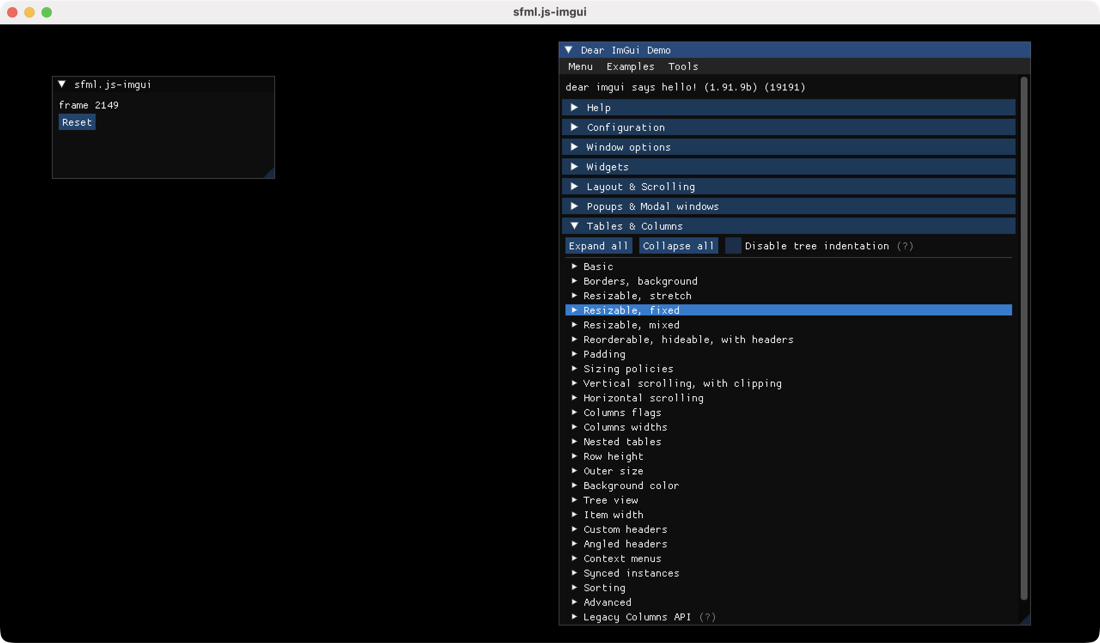
Dear ImGui widget demo
node packages/sfml.js-imgui/examples/demo.cjs
Controls · expand widgets, layouts, tables and plots in the built-in demo window. The separate sfml.js-imgui panel has a frame counter and Reset button. Close the window to exit.


Run Dear ImGui controls in a native SFML window. Start with the widget demo, then connect editable panel state to SFML graphics in the scene inspector and workbench.
Run these commands from the monorepo root. Run the bootstrap once to install dependencies and build the packages. A display and OpenGL are required; see the platform requirements.
node tools/bootstrap.cjsAfter changing ImGui TypeScript sources, rebuild with npm run build:ts --prefix packages/sfml.js-imgui. The examples use the locally built package.
Dear ImGui widget demo
node packages/sfml.js-imgui/examples/demo.cjs
Controls · expand widgets, layouts, tables and plots in the built-in demo window. The separate sfml.js-imgui panel has a frame counter and Reset button. Close the window to exit.
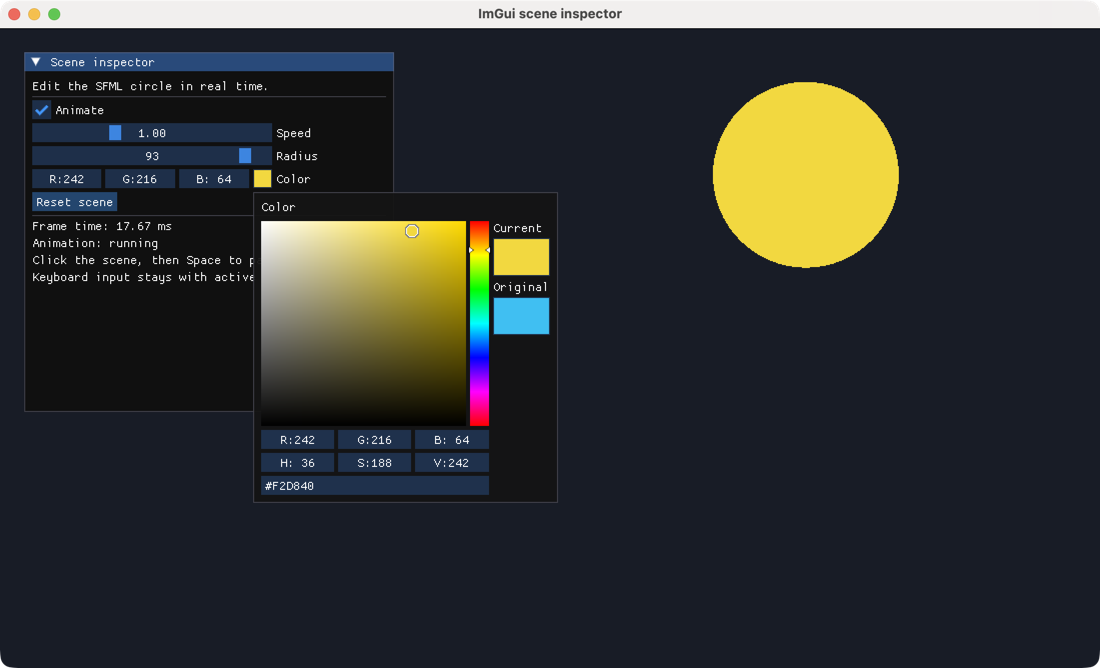
Control a moving SFML circle from an ImGui panel
node packages/sfml.js-imgui/examples/scene-inspector.cjs
Controls · Animate, Speed, Radius and Color edit the scene; Reset scene restores defaults. Click outside the panel, then press Space to pause or resume without triggering active widgets.
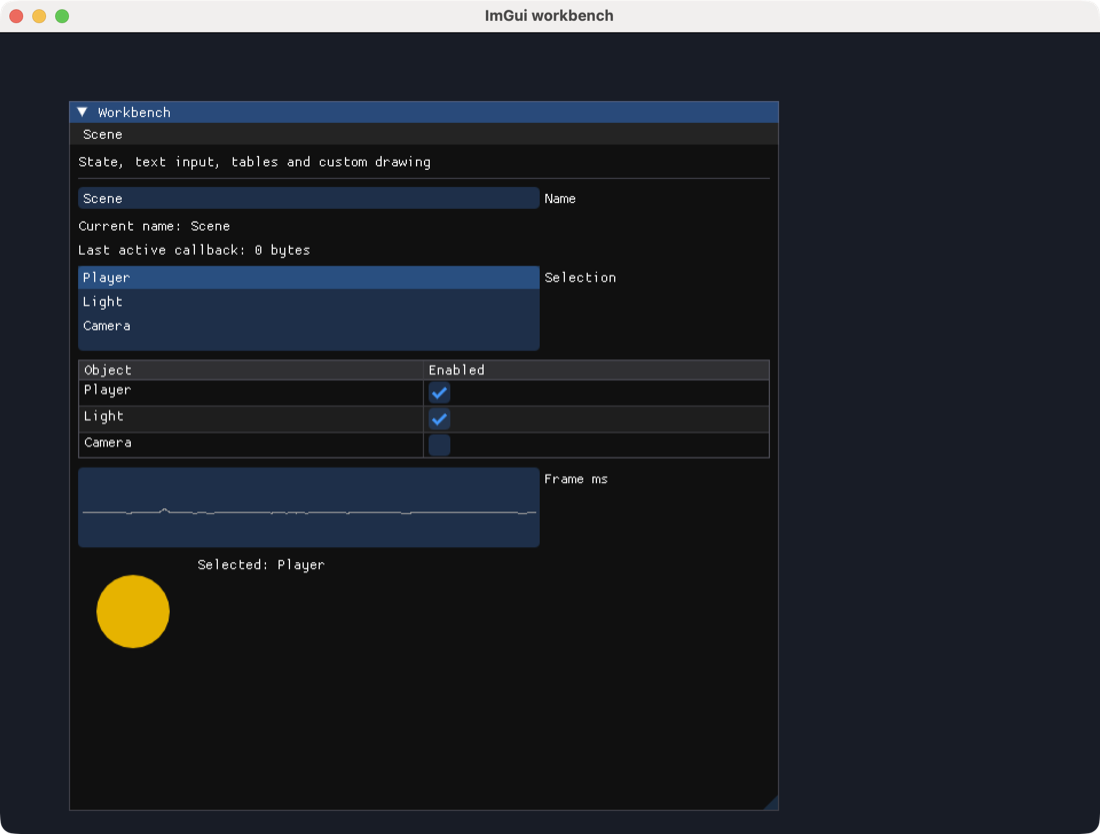
Text input, callbacks, tables, modals and custom drawing
node packages/sfml.js-imgui/examples/workbench.cjs
Controls · edit Name, select an object, toggle its table row and use Scene → Reset… for the confirmation modal. A TTF path can be appended for a custom Latin font.
All three examples forward every event, pair Begin with End even when collapsed, keep typed-array state outside the frame loop, and shut down ImGui before closing the SFML window. The screenshots were captured from the running native examples on macOS.