
Skip to content

Games and applications ​

Breakout runs in this repository. The other projects are separate repositories or npm packages; use the working directory shown for each one. All require a graphical session and the native build requirements. Their dependency versions are independent of the sfml.js release.

Overview · Feature examples · Official examples

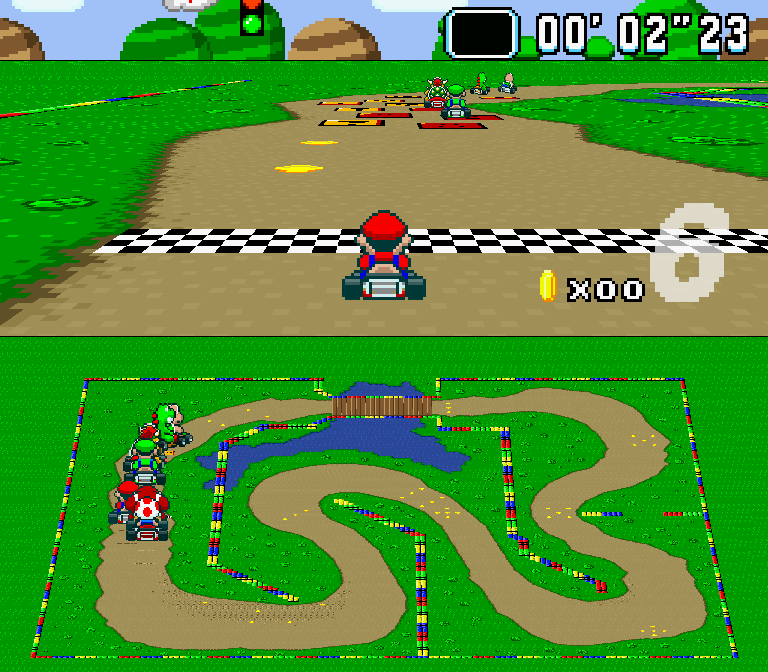
Süper Mario Kart ​

Install and run

Node.js 20.5+ · Graphical desktop with audio · Native build prerequisites

Clone into your projects directory, then run from the game repository:

sh
git clone https://github.com/XadillaX/super-mario-kart-sfml.js.git
cd super-mario-kart-sfml.js
npm install
npm start

npm start compiles to dist/ and launches the game. Python circuit-authoring tools are optional.

Controls

X
Accelerate
Z
Brake
C
Hop / drift
Left Right
Steer
Up Down
Use item forward / backward
Enter
Confirm / skip flyover
Esc
Pause

To resume, select No in the pause menu and press Enter; Yes gives up the race.

The Controls and Settings menus configure bindings, volume and resolution.

Circuits, source and license

super-mario-kart-sfml.js is a TypeScript + sfml.js port of vmbatlle/super-mario-kart, originally written in C++ with SFML 2.5.1. Its 54 TypeScript modules follow the upstream source layout, retaining Mode 7 rendering, gameplay, AI and assets.

Pinned dependencies: sfml.js@1.0.0-rc.2 and typescript@7.0.2.

The circuits are Donut Plains 1, Mario Circuit 2, Ghost Valley 1, Bowser Castle 1 and Rainbow Road. Code is licensed under GPL v3; the characters, graphics and music belong to Nintendo. This is an unofficial educational fan project.

play-nes ​

Install and run

Node.js 22 recommended · Python and a C++20 compiler · Graphical desktop with audio

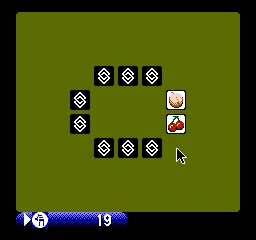
Install the published player and launch the bundled game:

sh
npm install -g play-nes
nes croom

To open a local ROM you have permission to use:

sh
nes "/path/to/your game.nes"

Controls

Player 1

Directions
W A S D
A / B
J K
Select
Right Shift
Start
Enter

Player 2

Directions
Left Right Up Down
A / B
Numpad 5 Numpad 6
Select
Numpad 8
Start
Numpad 9

Esc or window close exits. Held buttons are released on focus loss.

Display and speed options

--scale 3 changes window scale; --frameRate 60 selects normal speed. Frame rate changes emulation speed, not only display speed. Use nes --help for all options.

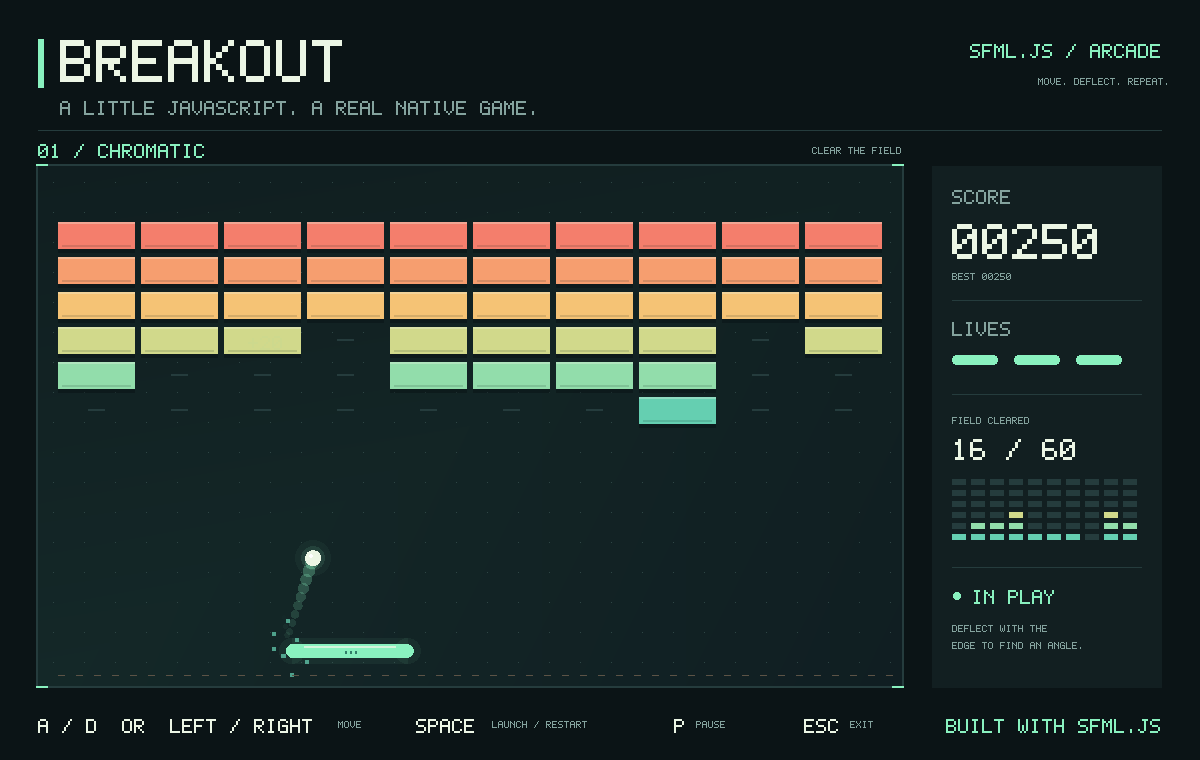
Play Breakout ​

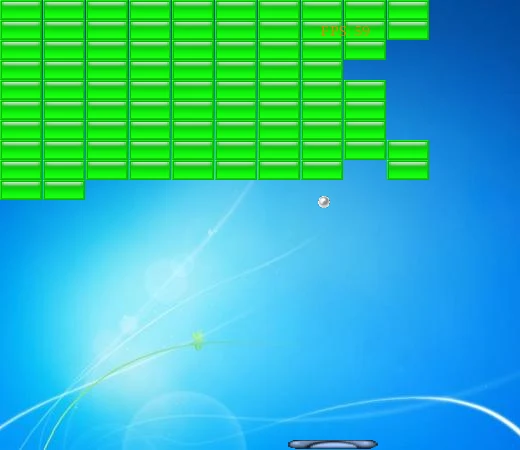
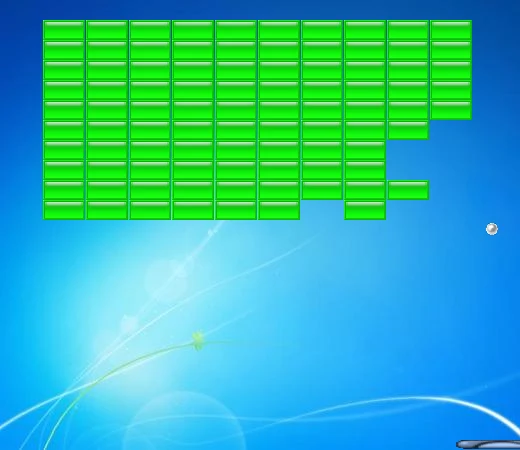
From the sfml.js repository root, run npm ci once, then node examples/breakout.cjs. Run npm run build after source changes.

Use npm run demo:breakout to build and launch. For a reproducible gameplay capture on macOS/Linux:

sh
SFML_DEMO_SNAPSHOT=/tmp/sfml-breakout.png \
  node examples/breakout.cjs --autoplay --frames=1500

The screenshot saves the actual native framebuffer at the final frame. --autoplay controls the paddle; --frames bounds the run. node examples/breakout.cjs --self-test checks the game logic without opening a window.

node-sfml-demos ​

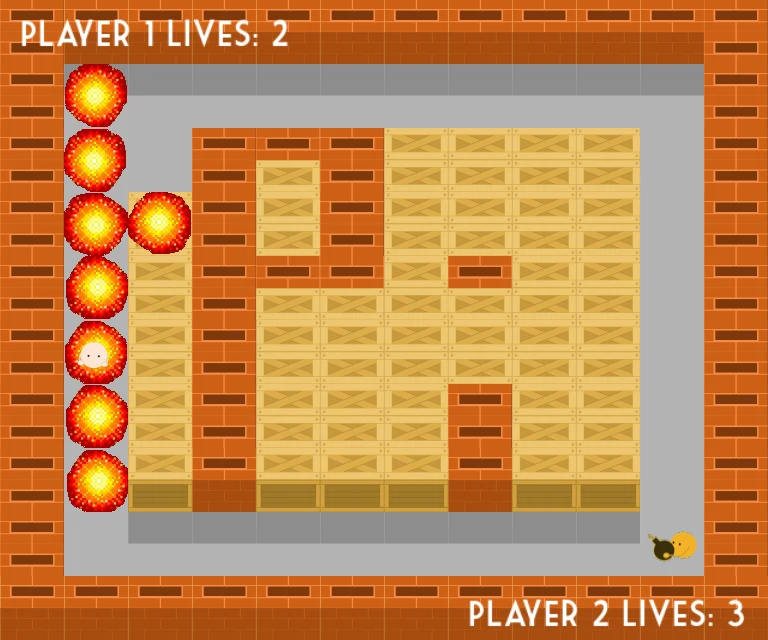
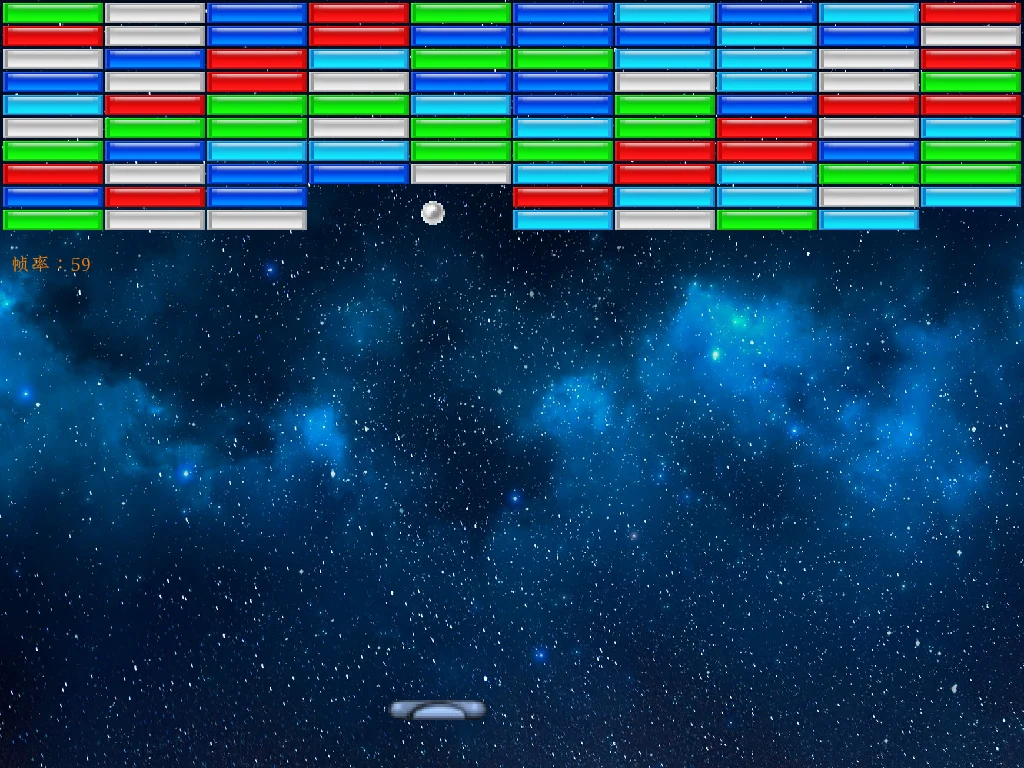
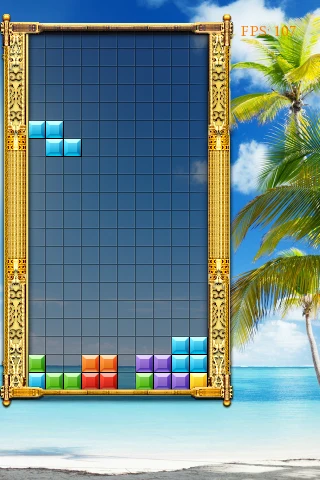
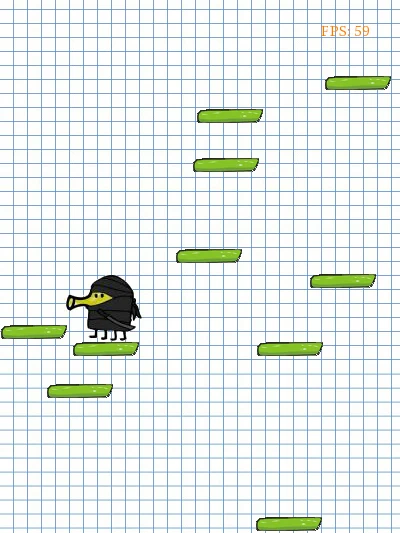
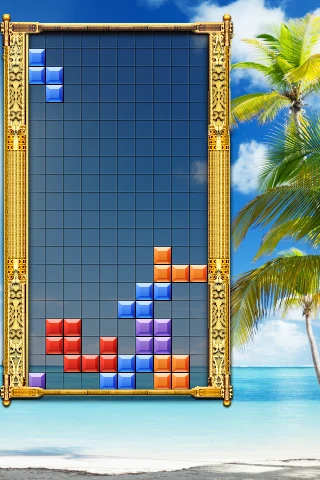
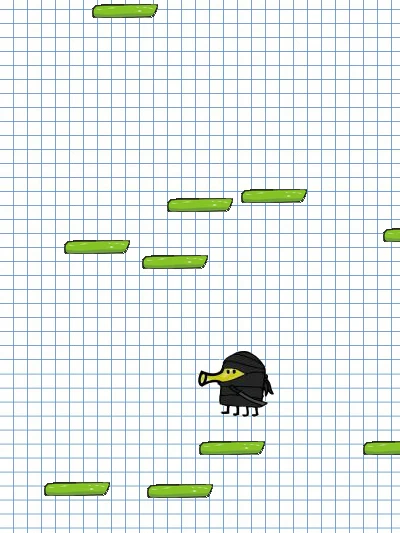
node-sfml-demos contains Bomberman, Breakout, Tetris, Doodle Jump and Arkanoid implementations using sfml.js.

Clone this separate repository into your projects directory, then install dependencies and launch from the game's own directory. For Bomberman:

sh
git clone https://github.com/XadillaX/node-sfml-demos.git
cd node-sfml-demos/bomberman
npm install
node index.js

See the repository README for game directories, controls and upstream C++ sources. The native build requirements also apply.

Use Node.js 22, Python 3 and a C++20 toolchain. Install inside each game folder with npm install, then run node index.js there. Keep the full repository because some games share fonts and textures. Each game pins sfml.js@1.0.0-rc.2; this page does not upgrade it. All support the close button; Bomberman also uses audio. Tetris, Doodle Jump and Arkanoid retain the prototypes' incomplete gameplay.

16 games in ClojureScript ​

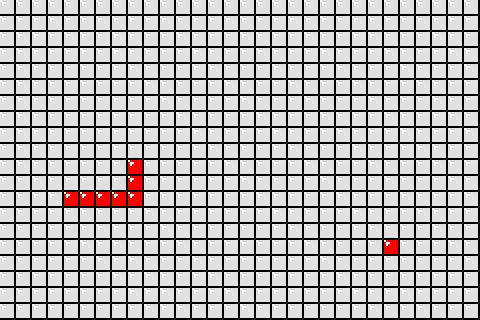
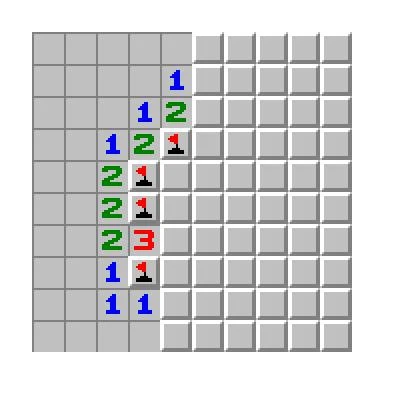
16-sfml.js-games-ported is a fork of jsyqrt/games. The original 16 games were written in C++ with SFML; this fork ports all of them to ClojureScript with sfml.js, preserving the original directory layout, assets, game logic and controls.

The games run on Node.js through nbb, with no JVM or separate compilation step. Clone the game repository into your projects directory, then run from its root:

sh
git clone https://github.com/XadillaX/16-sfml.js-games-ported.git
cd 16-sfml.js-games-ported
npm ci
npx nbb "01 Tetris/main.cljs"

Requires Node.js 20.5+ and the native build requirements, plus a graphical session with OpenGL window support. Dependencies are pinned to sfml.js@1.0.0-rc.2 and nbb@1.6.214. Each script resolves its assets relative to its own directory.

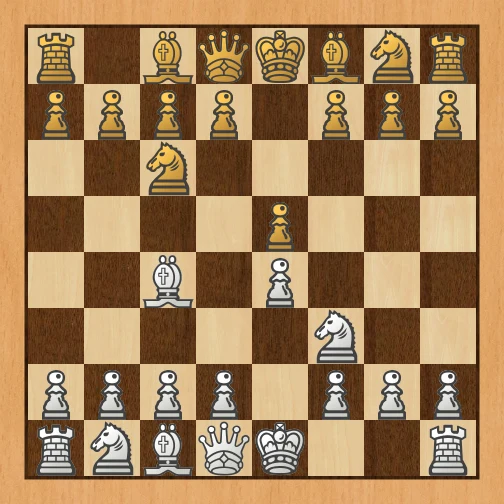
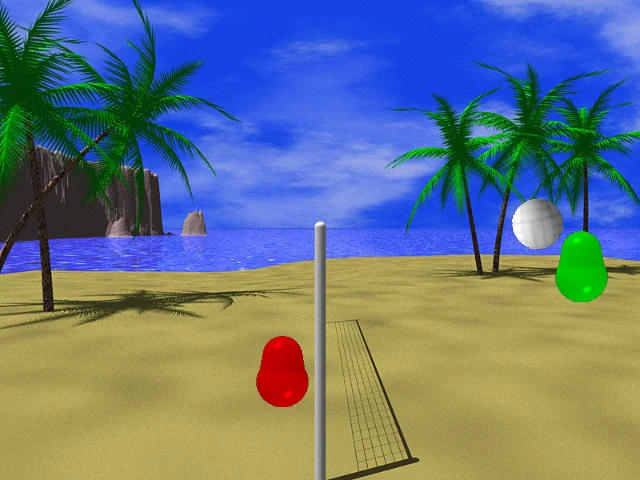
Chess requires an external Stockfish executable for your operating system; pass its path as shown above. Volleyball uses box2dweb, installed by npm ci. Close the game window to exit. See the game gallery for screenshots, source files and controls.

Screenshot sources ​

Game assets come from the credited upstream projects. provenance.json records screenshot sources and processing. A screenshot is not a compatibility or gameplay test report. Original game assets retain their authors' rights; these previews do not relicense them.

The C++ originals and tutorials are credited by jsyqrt/games; the reference migration is XadillaX/16-sfml.js-games-ported. node-sfml-demos and play-nes document their own licenses and credits.

Icons made by Lorc, Delapouite & Skoll game-icons.net · CC BY 3.0