
Skip to content

Feature examples ​

Run from the sfml.js repository root after npm ci; run npm run build after source changes. All entries except Network open a graphical window and require a display with OpenGL support.

Overview · Official examples · Games and applications

Run the commands below directly after building. The demo:* scripts in package.json rebuild as configured. Close the window to exit; entries with a frame limit also finish automatically. Screenshots show a particular rendered scene, not performance or device-test results.

For an application using only public APIs, start with the Quick start. Helpers are listed with their entry points, not as separate programs.

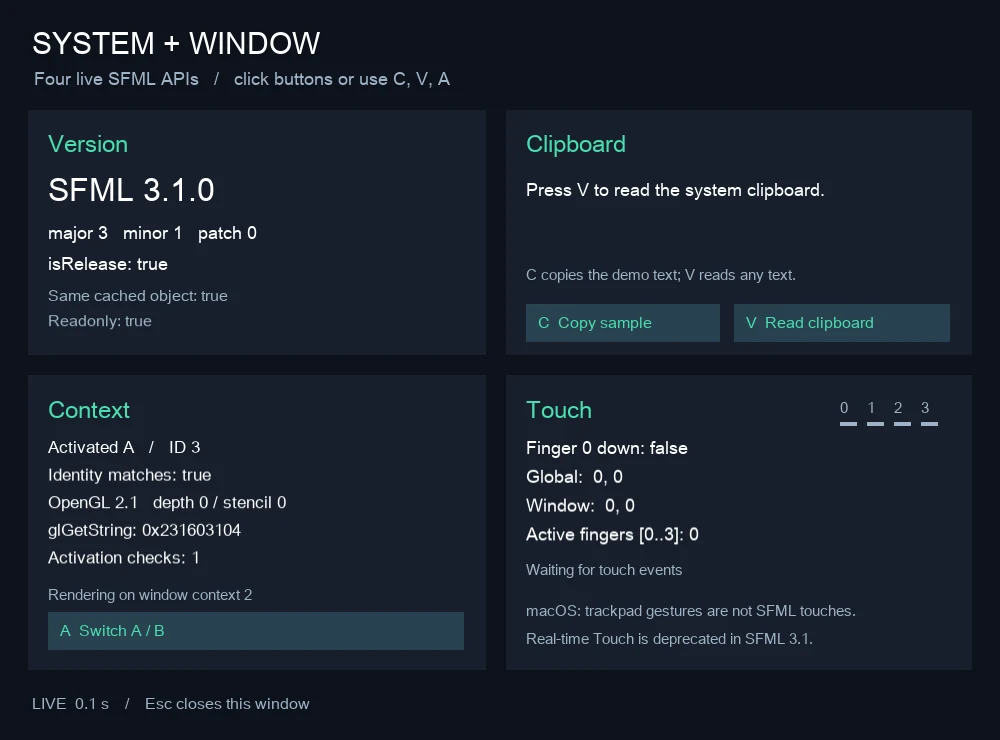
System ​

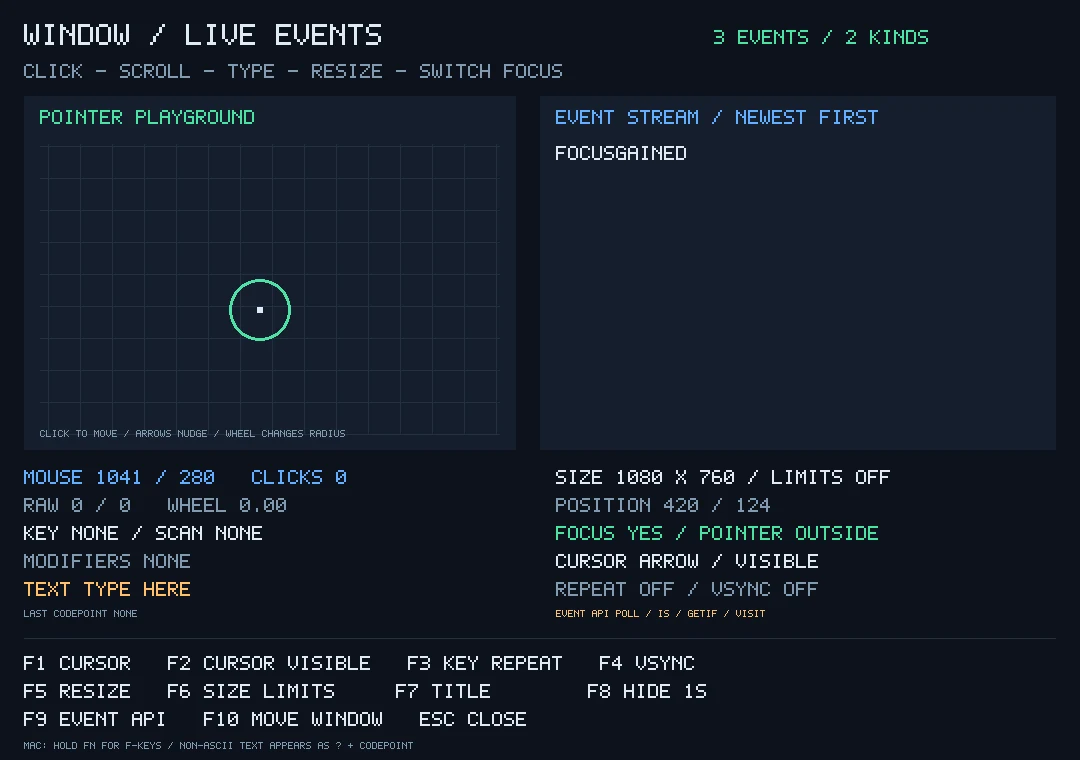
Window ​

Graphics ​

Audio ​

Network ​

Screenshots ​

Graphics examples supporting SFML_DEMO_SNAPSHOT can save their rendered output. For example, on macOS/Linux:

sh
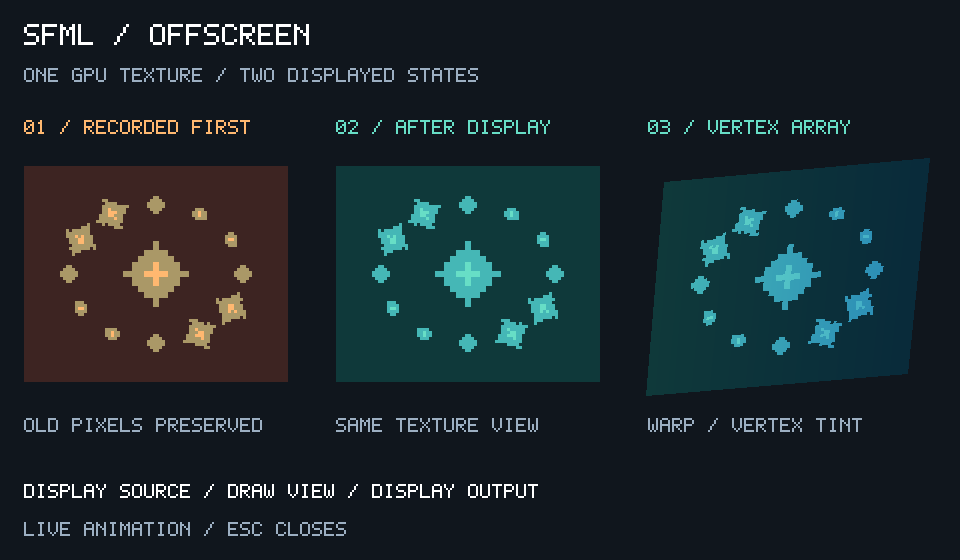
SFML_DEMO_SNAPSHOT=/tmp/sfml-render-texture.png \
  node examples/render-texture.cjs --frames=2

PowerShell:

powershell
$env:SFML_DEMO_SNAPSHOT = "$env:TEMP/sfml-render-texture.png"
node examples/render-texture.cjs --frames=2
Remove-Item Env:SFML_DEMO_SNAPSHOT

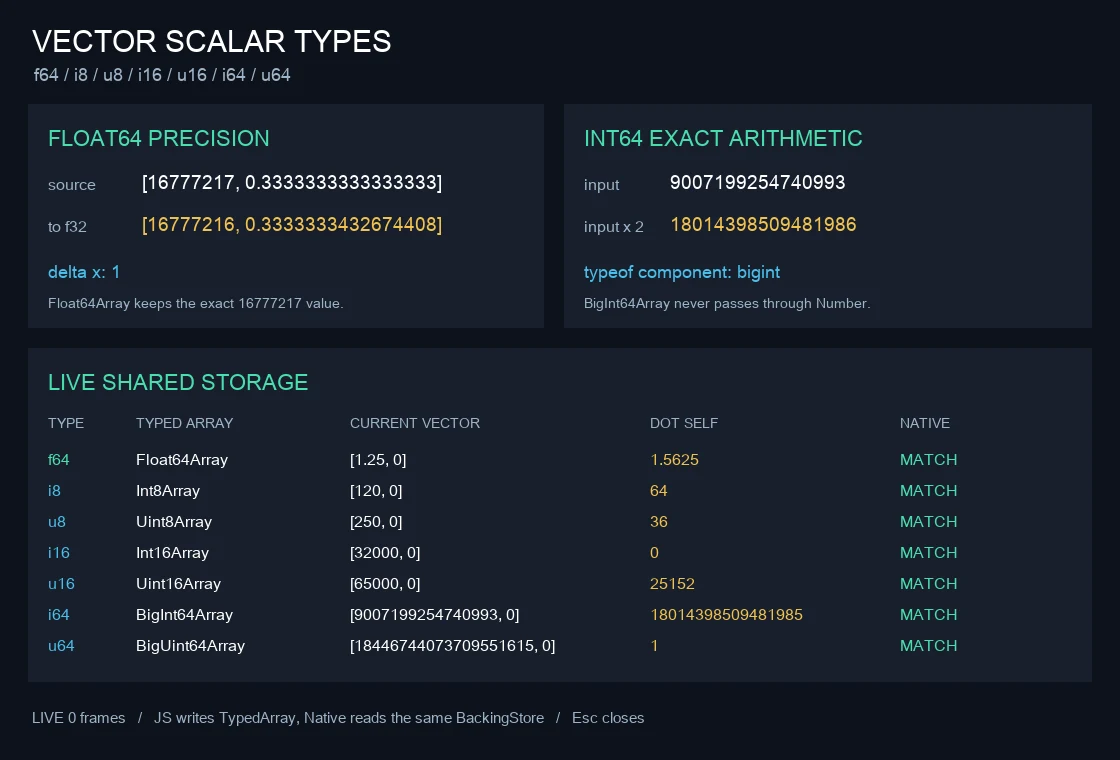
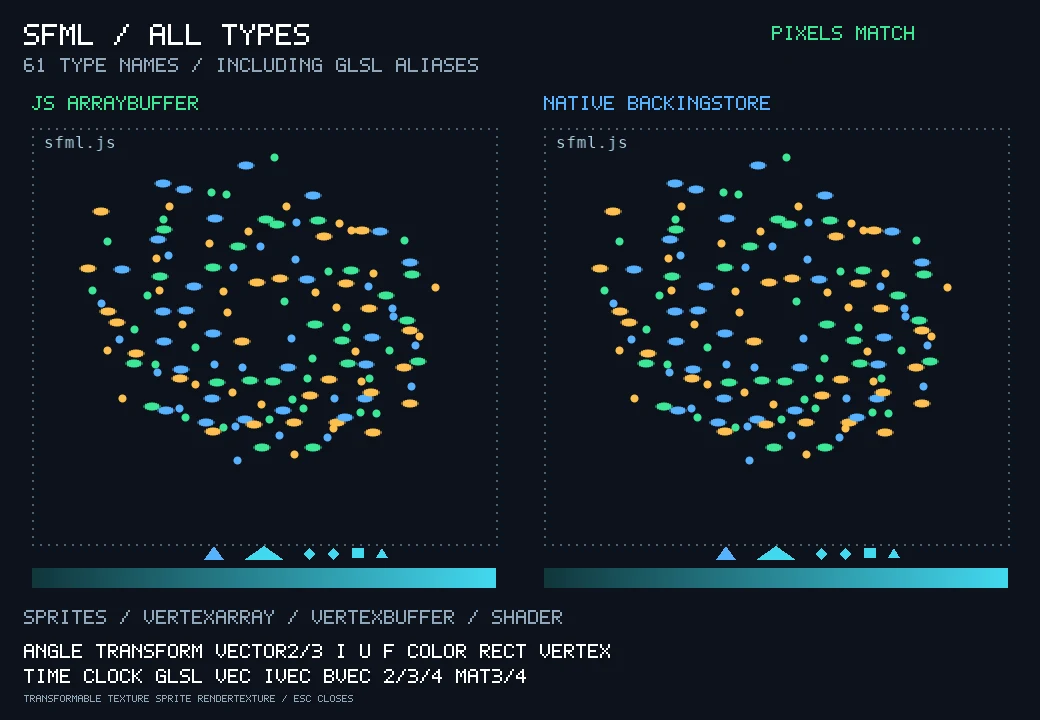
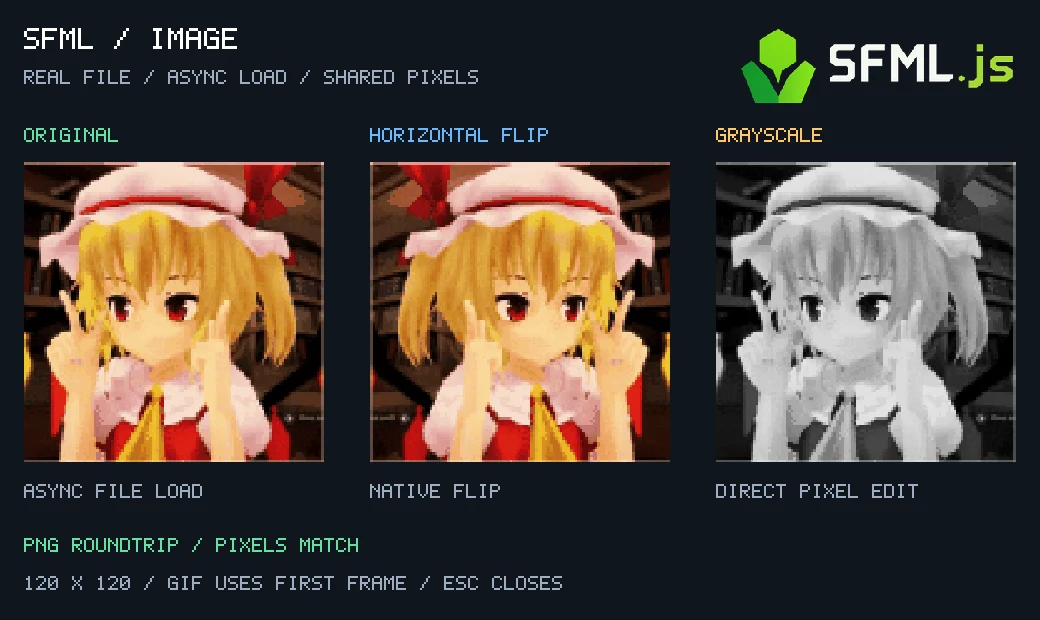
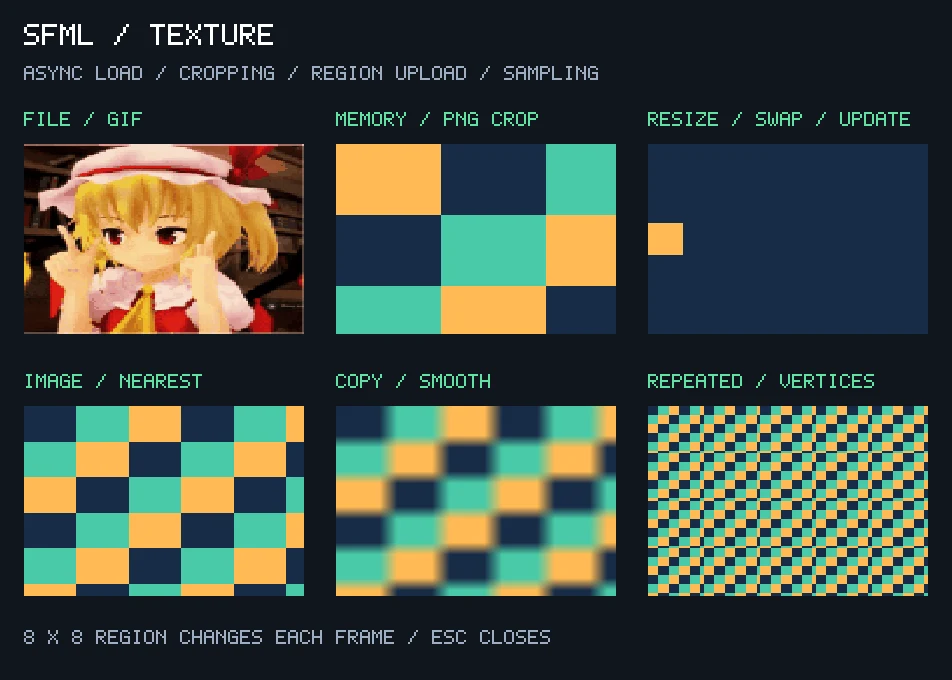
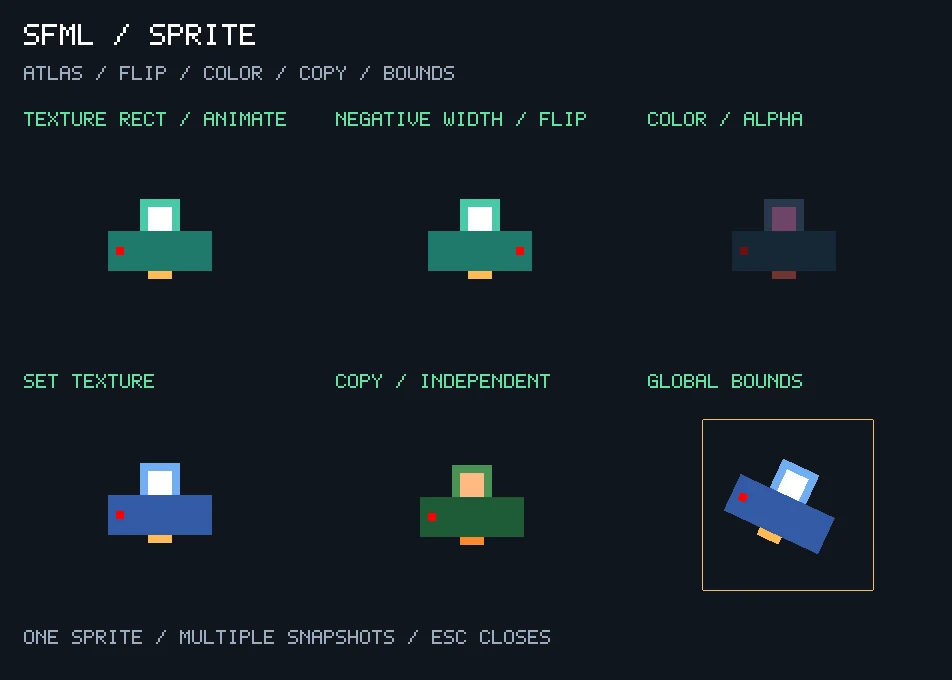
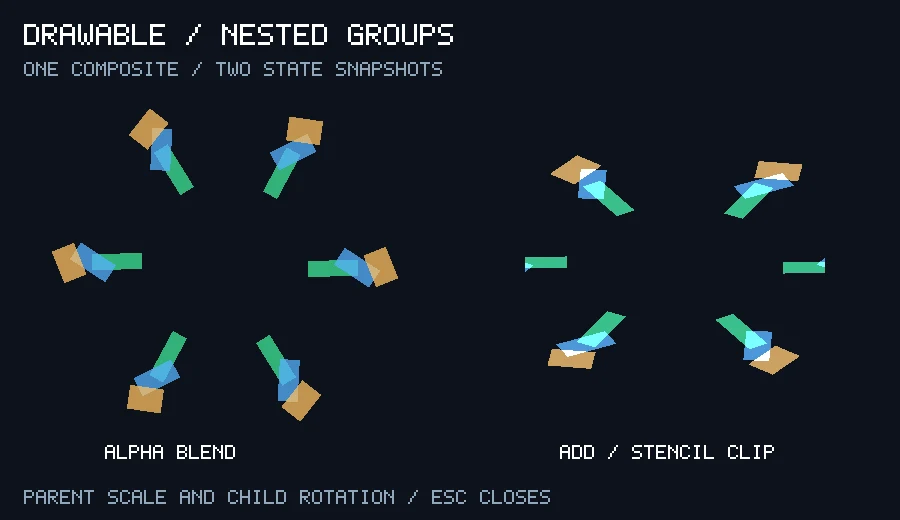
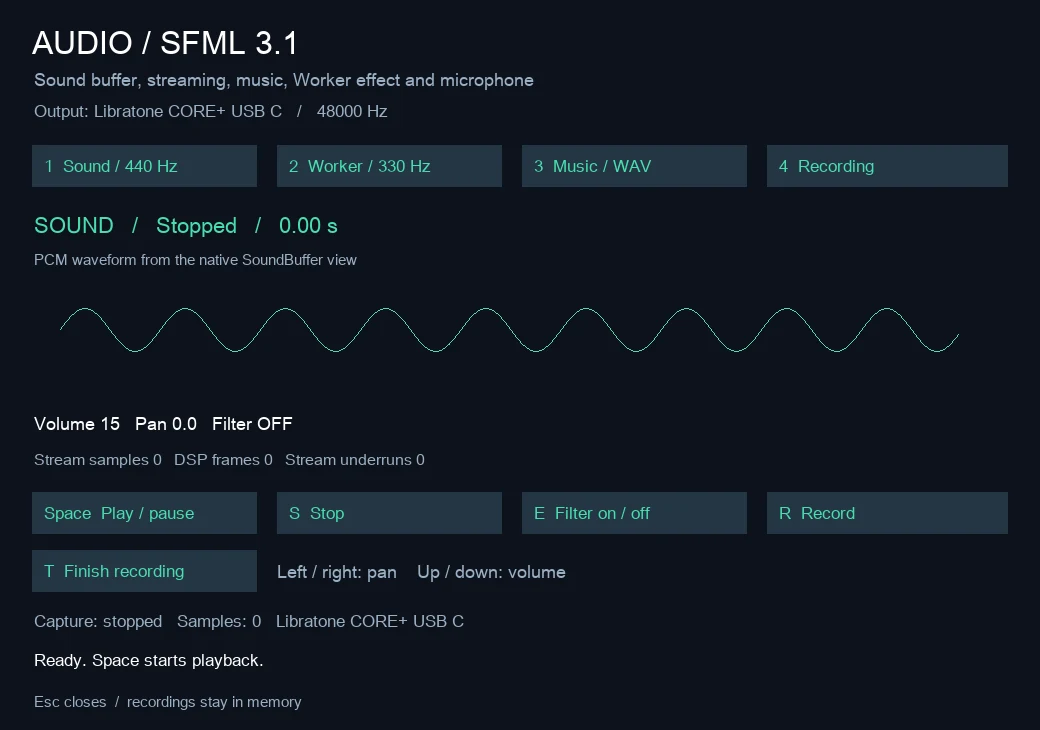
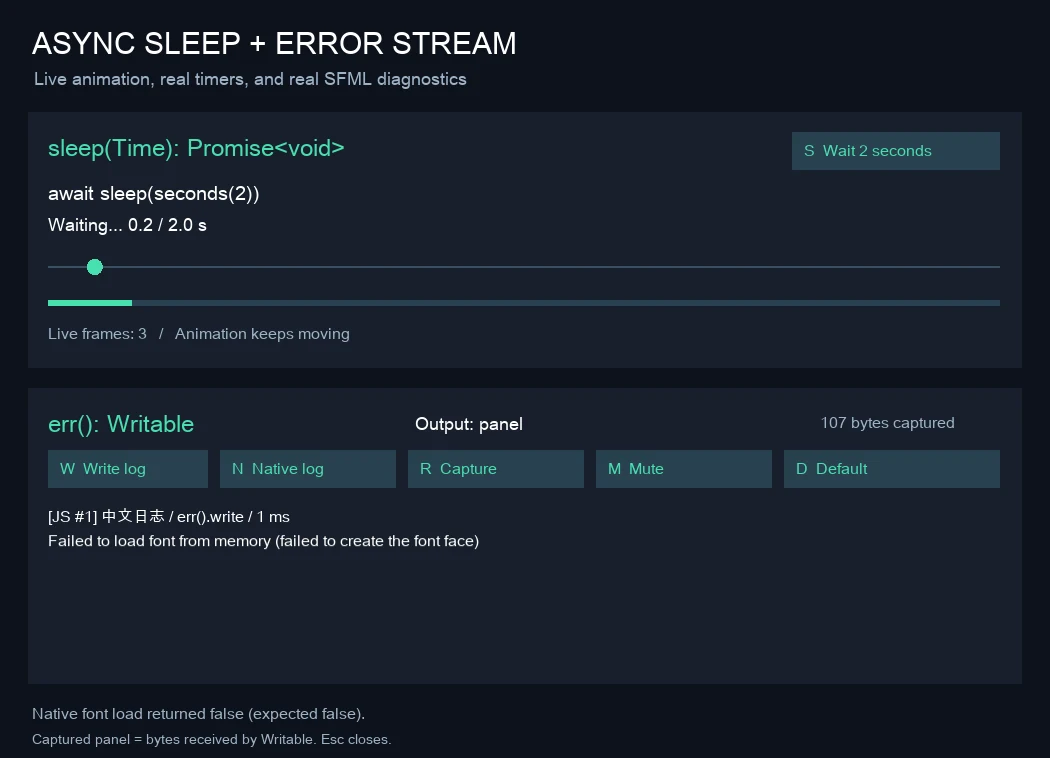
Built-in snapshots use SFML_DEMO_SNAPSHOT. all-types, sprites, drawable, vertex-array, system-window and sleep-err write PPM regardless of the filename extension; use .ppm. image, texture, sprite, render-texture, window and audio support PNG. text and vector-scalars do not implement this environment variable; their previews were captured with temporary instrumentation.

Use a finite frame count for sleep-err (saved at the last frame) and vertex-array (saved after the loop). system-window, window and audio need at least two frames; other built-in previews may capture the first frame. sprites captures its first frame and keeps running until closed. Capture provenance is recorded in sources.json.

Icons made by Lorc, Delapouite & Skoll game-icons.net · CC BY 3.0